
Getting Started
Let's install the add-on and unlock a faster, simpler way to manage tables, create clean PDFs, and enhance your workflow in Google Docs, Google Sheets, Google Slides, and Google Forms.
Installation & Setup
Install from Google Workspace Marketplace
Open the Google Workspace Marketplace and install Text To Table Converter. The full sidebar is ready in Google Docs, Sheets, and Slides once setup is complete, and Google Forms has a focused sidebar with Quiz Builder and Choice Sync.
Install from MarketplaceLaunch the add-on from the side panel
Look for the add-on icon in the vertical side panel on the right side of your screen. Click it to open the main interface and launch the sidebar.
Sidebar
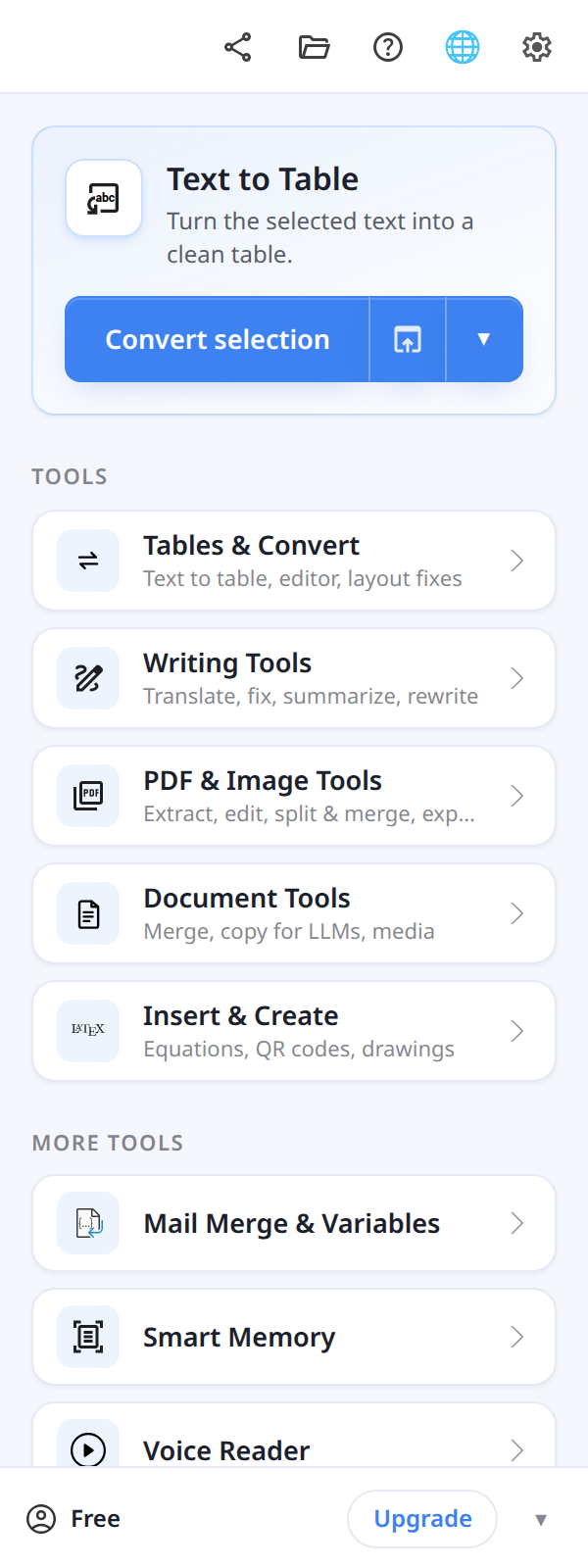
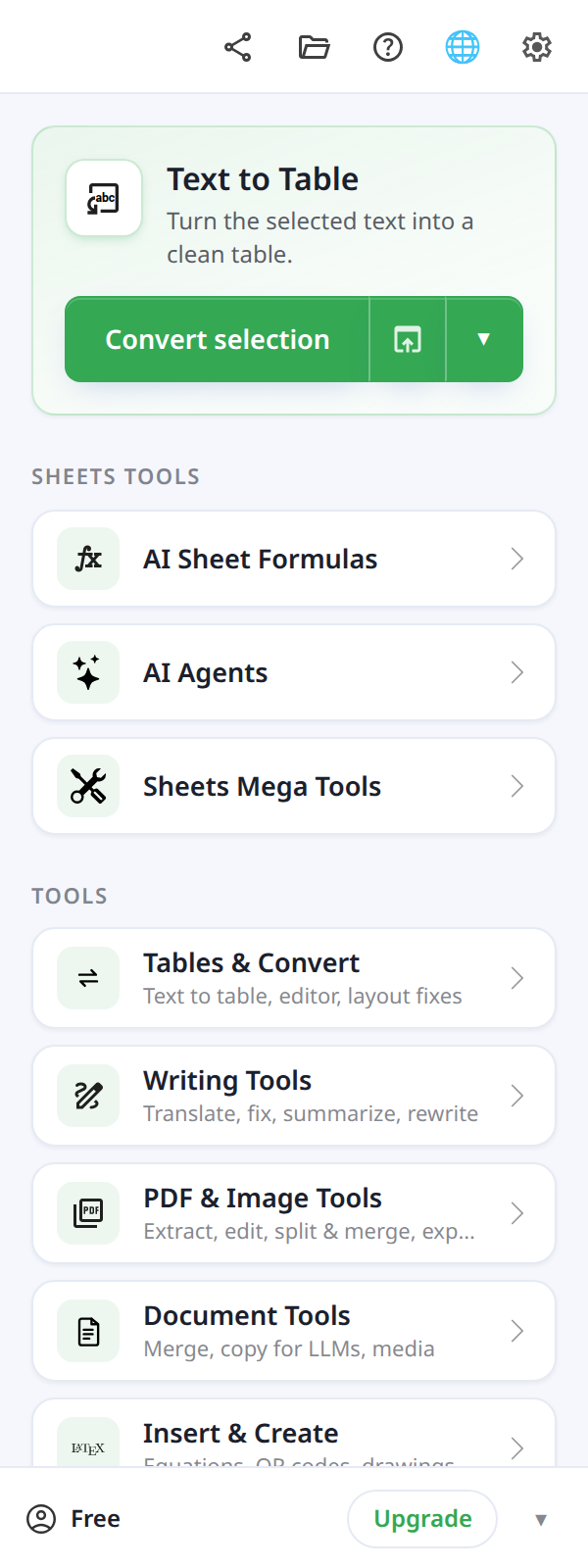
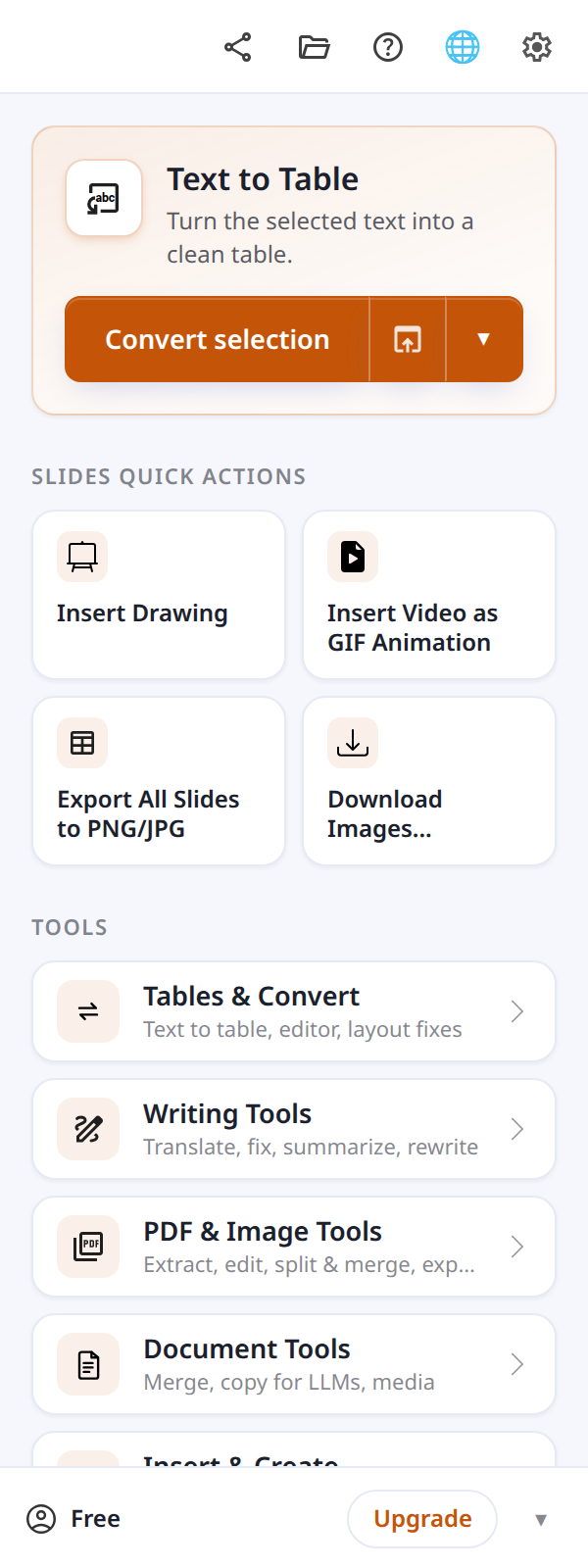
Supported environments
Text To Table Converter has the full sidebar in Docs, Sheets, and Slides, and a focused sidebar in Forms (Quiz Builder and Choice Sync first). Gmail, Drive, and Calendar open a compact Workspace Tools card with buttons that open browser tools, plus shortcuts to create a new Doc, Sheet, Slides file, or Form.
Icon may take a moment to appear
After a fresh install, the add-on icon may take a minute to appear. Try refreshing the tab if it does not show.
Replay the quick start
In Docs, Sheets, and Slides, click Help (?) in the sidebar top bar and choose Quick start to walk through a first conversion again.
Explore Key Features
Now that you're set up, explore the core features of the add-on with our detailed guides.
Tables & Convert
These are the fundamental tools for converting data and styling tables.
Selected Text to Table
Transform structured CSV, Markdown, or messy unstructured text into a clean table.
Selected Image to Table
Extract table data from images using OCR technology and convert them into editable tables.
Selected Table to Text
Extract data from any table into comma-separated text in CSV format.
Edit & Format Tables
Open the table workspace to style tables and apply formatting updates.
Transform Selection
Instantly improve, translate, or summarize any selected text.
AI Features
Use AI for writing and Sheets automation.
Writing Assistant
Use AI to polish text, change its tone, draft emails, or create social media posts.
AI Agents (Sheets Only)
Give natural-language instructions to update, format, and analyze selected ranges in Google Sheets.
AI Sheet Formulas (Sheets Only)
Use AIASK, AITAG, AITRANSLATE, AIVOCAB, AIPATTERN, AIDRAFT, AIMERGE, AISPLIT, AITABLE, and AIREVERSECALC directly in Google Sheets cells.
Tools and More
Dive into advanced tools for document management, table manipulation, and professional LaTeX equations.
Extract Content from PDF or Image
Extract text, tables, and formulas from selected PDF pages or images with AI OCR.
PDF Editor
Annotate PDF pages with text, highlights, drawings, shapes, images, and comments.
PDF Split & Merge
Merge files or extract, remove, rotate, and reorder PDF pages.
Remove Image Background
Remove backgrounds from images and insert clean PNG cutouts into Docs, Sheets, or Slides.
Edit & Format Tables
Open the table workspace to style tables and apply formatting updates.
Modify Table
Quickly restructure your table by transposing, rotating, or automatically resizing rows and columns.
Equations (LaTeX)
Create and edit professional mathematical and scientific equations with a powerful editor.
Document Tools
Export files, merge documents, copy content for LLMs, transcribe audio, and download media.
Quiz Builder (Forms)
Draft questions from selected PDF pages, review them, and then insert them into Google Forms.
Choice Sync (Forms)
Preview and update supported Form choices from columns in Google Sheets.
QR Code
Generate and insert QR codes into your documents.
Workspace Tools
Use the browser companion for text, image, PDF, file, audio & video, productivity, social, and teaching workflows.
Mega Tools
Essential tools for spreadsheet and data work in Google Sheets. Search cell values, format data by rules, and manage rows and columns efficiently.
Cell Values
- Find Values in Cells
- Find Duplicate Cells
- Sum by Color
Cell Formatting
- Cell Value Heatmap
- Text Case Transform
- Smart Text Case ✨
Rows and Columns
- Find Duplicate Rows
- Quick Delete Duplicate Rows
- Sort by Color
Find Values in Cells
Search by regex or substring, then highlight, replace, or format matches.
Find Duplicate Cells
Locate cells with duplicate values within your selected range.
Sum by Color
Calculate sums based on cell background colors.
Cell Value Heatmap
Visualize data patterns by applying color gradients to cell values.
Text Case Transform
Normalize capitalization across your selection with smart sentence and proper case options.
Smart Text Case ✨
AI-powered, context-aware capitalization for names, addresses, and messy input.
Find Duplicate Rows
Identify rows that contain identical data across multiple columns.
Quick Delete Duplicate Rows
Preview and remove duplicate rows from the current selection.
Sort by Color
Sort the current selection using cell background colors.
See how it works

Get the Add-On
Get the free add-on to start working faster in Google Docs, Sheets, Slides, and Forms.
Install Text To Table Converter