
Add QR Code with Video Link to a Google Doc (Teacher Guide)
Sometimes students need a quick explanation to connect the dots. A QR code on the page can open a short video that explains the context, gives a reminder, or models a process. It’s especially helpful for printouts of Google Docs™ pages, but the same idea works for presentations made in Google Slides™ and spreadsheets in Google Sheets™.
The Classroom Use Case
Section titled “The Classroom Use Case”- Before class: Students scan the code to preview the topic.
- During work time: A quick rewatch helps them get unstuck.
- After class: They can review at home without searching for the video.
Example Study Guide (Short Excerpt)
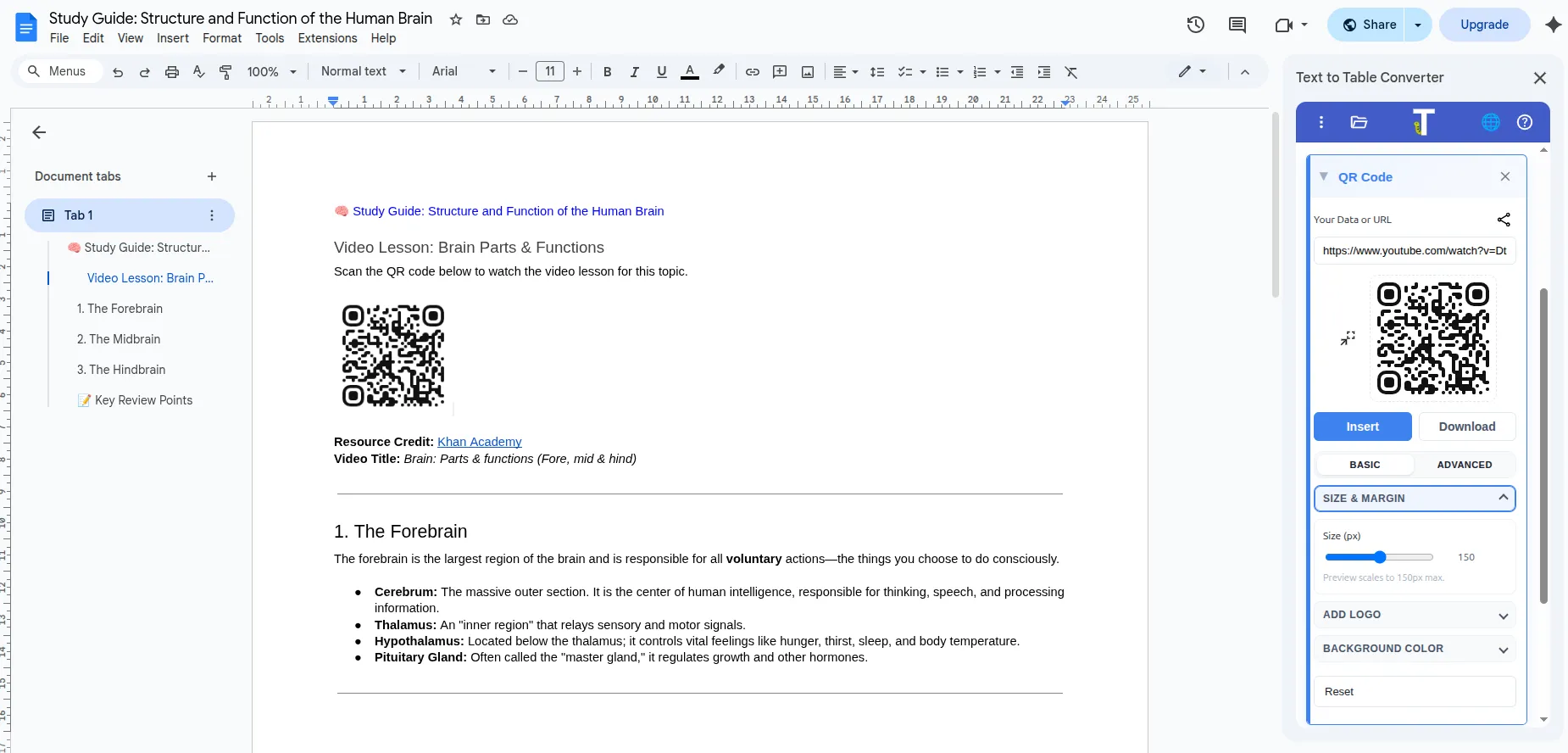
Section titled “Example Study Guide (Short Excerpt)”Here’s a tiny slice of the study guide that pairs with the QR-linked video:
🧠 Study Guide: Structure and Function of the Human Brain
Video Lesson: Brain Parts & Functions
- Forebrain: Voluntary actions; thinking, speech, and processing information.
- Midbrain: Involuntary reflexes such as pupil response to light.
- Hindbrain: Heartbeat, breathing, balance, and coordination.
Pick a Video
Section titled “Pick a Video”If you’re sharing with students, it’s best to use a video that allows reuse. YouTube has Creative Commons videos you can link to safely.
On YouTube, run your search, then use Filter → Features → Creative Commons to surface CC-licensed results. This is a good idea because Creative Commons licensing gives you clear permission to reuse and share the video with students, which reduces copyright headaches later. Always confirm the license in the video’s description before you use it.
Open the example study guide documentAdd the QR Code
Section titled “Add the QR Code”- Open your Google Doc™, Slide, or Sheet.
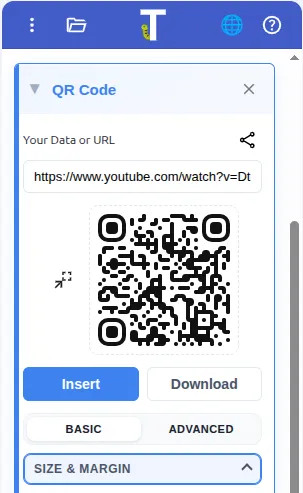
- Open the add-on sidebar and go to QR Code.
- Paste the YouTube link into the data field.
- Insert the QR code into your worksheet or slide.
Teacher Tip: Pair It with a Prompt
Section titled “Teacher Tip: Pair It with a Prompt”Add a one-line prompt next to the QR code, like:
- “Watch this 2-minute explanation before you start.”
- “Need a refresher? Scan here.”
Related Post
Section titled “Related Post”Get the Add-On
Section titled “Get the Add-On”Create classroom-ready QR codes directly in Google Docs™, Slides™, and Sheets™.

Make classroom QR codes for free
Use the free Text To Table Converter add-on to insert QR codes in Docs™, Slides™, and Sheets™.